

Do your favorite tunes suddenly sound like static? Maybe your favorite headband snapped in half.
You are not alone. Many music lovers face this frustrating issue every day.
You might think you need to buy a brand new pair. But learning how to repair Dre Beats headphones yourself is easier than you think.
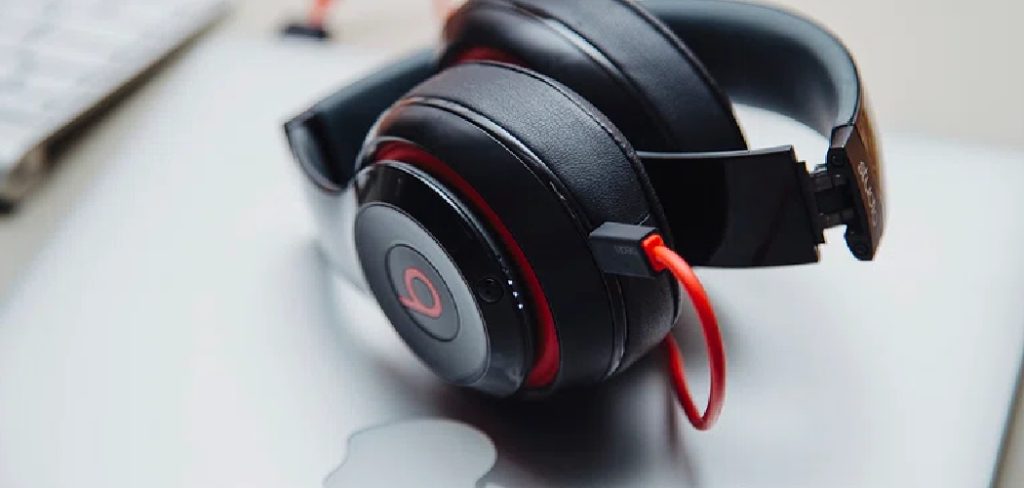
Fixing it yourself keeps your hard-earned money in your wallet. It also keeps perfectly good electronics out of the landfill.
Whether you have the Beats Studio or the popular Solo3, this guide has you covered. We will walk through the entire process together.
Grab your tools, clear your table, and let us get started!
The Basics: How to Repair Dre Beats Headphones
Before we open up your device, we need to understand the root cause.
Headphones take a beating. We toss them in bags, wear them in the rain, and accidentally drop them.
Knowing what broke helps you find the right fix quickly.
What Causes This Problem?
Several common culprits can ruin your listening experience.
Here are the most frequent reasons your Beats might need some TLC:
- Daily wear and tear: Ear pads naturally flake and degrade over time.
- Physical impact: Dropping the headset often causes the plastic headband to crack.
- Battery issues: Lithium-ion batteries lose their charge capacity after a few years.
- Cable stress: Yanking the cord can damage the internal wiring.
- Moisture damage: Sweat from workouts can short out the internal speakers.
- Hinge failure: Folding the ear cups too aggressively wears out the metal hinges.
Tools & Materials Needed
You cannot fix a house without a hammer. The same rule applies to electronics.
Gather these items before you start your DIY repair journey.
- A mini screwdriver set: You will need small Phillips and Torx (T5) screwdrivers.
- A plastic spudger: This prying tool opens plastic cases without scratching them.
- Replacement parts: Order the exact headband, ear pads, or battery for your model.
- Double-sided electronics tape: Essential for securing new ear cushions.
- Rubbing alcohol and Q-tips: Perfect for cleaning old adhesive off the plastic.
- A hair dryer: Heat helps loosen stubborn factory glue.
- A small parts tray: Use an ice cube tray to keep tiny screws from rolling away.
Step-by-Step Fix Guide: How to Repair Dre Beats Headphones
This section breaks down the most common repairs.
We will tackle each problem step by step. Take your time and do not force anything.
If a part feels stuck, double-check for hidden screws.
Fix 1: Replacing Worn Out Ear Pads
Flaking ear pads are annoying. Thankfully, this is the easiest repair to tackle.
This fix works great for both Beats Studio and Solo3 models.
- Warm up the adhesive: Use your hair dryer on a low setting. Blow warm air around the edge of the old ear pad for one minute.
- Pry the old pad off: Insert your plastic spudger between the leather pad and the plastic frame.
- Gently push up: Wiggle the tool around the perimeter until the old pad pops off.
- Clean the frame: Dip a Q-tip in rubbing alcohol. Scrub away any leftover sticky residue from the headphone base.
- Let it dry: Wait two minutes for the alcohol to completely evaporate.
- Prep the new pad: Peel the paper backing off the adhesive tape on your new ear cushion.
- Align the pegs: Match the small plastic pegs on the headphone frame to the holes on the new pad.
- Press firmly: Push the new pad down. Hold it tightly in place for 30 seconds to set the glue.
Fix 2: A Complete Headband Replacement
A snapped headband looks like a disaster. However, swapping it out is a straightforward process.
You just need patience and your mini screwdriver set.
- Remove the side panels: Look at the inside of the hinges. Use your Torx screwdriver to remove the small screws holding the metal hinge plates.
- Pry off the top plastic: Carefully wedge your spudger under the broken plastic headband.
- Unhook the rubber cushion: The soft rubber piece under the headband is held by small clips. Pop it loose with your fingers.
- Expose the wire: You will see a delicate wire running across the top. Do not pull or cut this wire!
- Slide out the broken band: Gently slide the broken plastic pieces away from the fragile audio wire.
- Position the new band: Slide your fresh plastic headband into place. Route the wire safely into the built-in plastic channel.
- Reattach the rubber cushion: Snap the soft lower cushion back into the new headband clips.
- Secure the hinges: Put the metal hinge plates back. Tighten the screws until they are snug, but do not overtighten.
Fix 3: Solving Battery Issues
Does your headset die after ten minutes? You probably have battery issues.
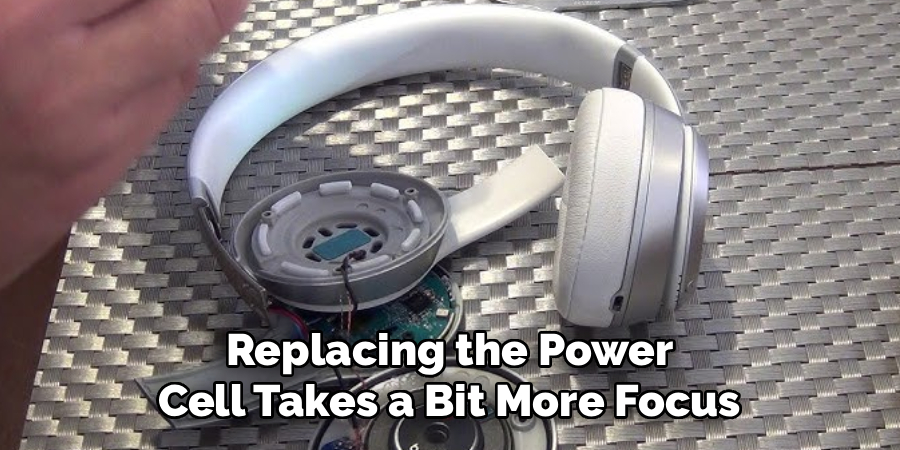
Replacing the power cell takes a bit more focus, but you can definitely handle it.
- Open the right ear cup: The battery usually lives in the right-side cup. Remove the ear pad using the steps from Fix 1.
- Unscrew the speaker cover: Use your Phillips screwdriver to remove the screws hidden under the ear pad.
- Lift the speaker gently: Pull the speaker plate up slowly. A short wire connects it to the main board.
- Locate the battery: You will see a small, rectangular battery wrapped in foil or tape.
- Disconnect the old battery: Carefully pull the tiny white plastic plug out of its socket on the circuit board.
- Pry the battery loose: Use your spudger to lift the battery. It is glued down, so work slowly.
- Plug in the new battery: Push the connector of your new battery into the circuit board socket.
- Seal it back up: Tuck the new battery into place. Screw the speaker cover back on and attach a fresh ear pad.
Crucial Safety Warnings
Working on electronics is generally safe. However, you must respect the internal components.
Keep these cautions in mind before you start unscrewing things.
Watch Out for the Wires
The internal wires are incredibly thin. They are thinner than a strand of hair.
If you pull too hard, you will snap the audio cable. A broken internal wire requires complex soldering to fix.
Always lift plastic covers slowly to check for hidden wire connections.
Battery Safety First
Lithium-ion batteries require special care. Never puncture a battery with a sharp tool.
If a battery looks swollen or feels hot, stop immediately.
A damaged battery can catch fire. Dispose of old batteries at a proper electronics recycling center.
When to Call a Professional
I love fixing things myself. But sometimes, a repair is beyond basic DIY skills.
Knowing your limits prevents you from ruining your expensive device entirely.
Signs You Need Expert Help
You should hand your headphones to a pro if the motherboard is fried.
If you spill water inside and the device will not turn on, you need professional diagnostics.
Additionally, if an internal wire snaps and you do not know how to solder, call a repair shop.
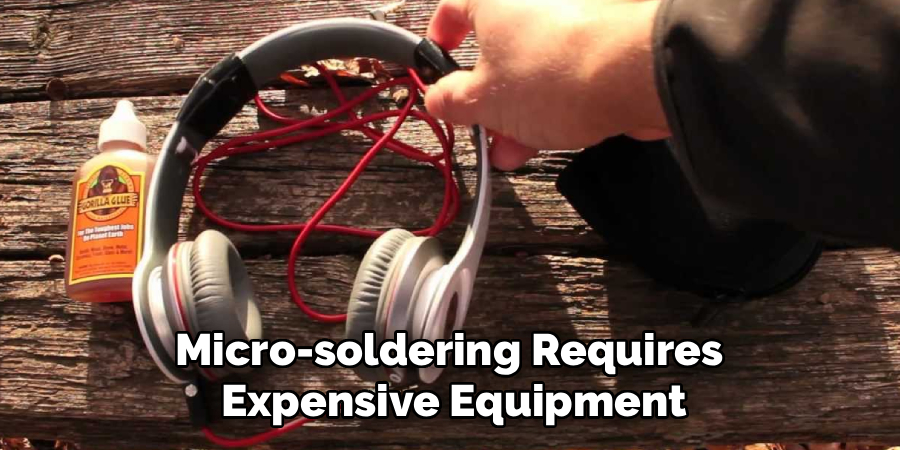
Micro-soldering requires expensive equipment and years of steady practice. Do not try to learn it on a costly pair of Beats!
Cost Estimate: DIY vs. Pro
Let us talk about money. This is the main reason we do our own repairs!
Doing it yourself saves a significant amount of cash.
The DIY Route
Buying parts online is surprisingly cheap.
A set of premium replacement ear pads costs around $15 to $20.
A replacement plastic headband usually runs between $20 and $30.
A new replacement battery will cost you roughly $15 to $25.
Total DIY cost: Usually under $30 per fix.
The Professional Route
Taking your headset to a repair shop involves labor fees.
Most shops charge a flat fee just to open the device.
A professional ear pad replacement often costs $60 or more.
Fixing a snapped headband at a repair center can easily exceed $100.
By fixing it yourself, you keep $50 to $80 in your pocket!
Frequently Asked Questions
You probably still have a few questions. That is completely normal!
Here are quick answers to the most common questions about these repairs.
Does repairing my Beats void the warranty?
Yes. Opening your device will void any active Apple warranty. Always check if you have AppleCare+ active before trying a DIY fix.
Can I use super glue to fix a broken headband?
No. Super glue is too brittle for headbands. It will snap again the next time you stretch the headphones over your ears. You must replace the plastic part entirely.
Where is the best place to buy replacement parts?
You can find high-quality parts on Amazon, eBay, and specialty repair sites. Always read customer reviews to ensure the parts fit your specific model perfectly.
How long does a typical DIY repair take?
Most simple repairs take under 30 minutes. Replacing ear pads takes about 10 minutes, while a full headband swap might take 45 minutes for a beginner.
Conclusion
We covered a lot of ground today! You now know exactly how to repair Dre Beats headphones.
You learned how to swap out flaky ear pads and replace a snapped headband.
You also discovered how to fix battery issues safely and effectively.
Tackling these fixes yourself builds confidence. It also saves you a ton of money compared to buying a new pair.
Do not let a small break ruin your music experience.
Grab your mini screwdrivers, order your parts, and bring your favorite headphones back to life today!