

Are you tossing your favorite meal into the microwave, only to pull it out ice cold? You are not alone. A microwave that runs but fails to heat up is one of the most common appliance issues.
For many homeowners and renters, this problem feels like the end of the line for their appliance. However, learning how to repair a microwave that is not heating can save you serious cash. You do not always need to buy a brand-new unit.
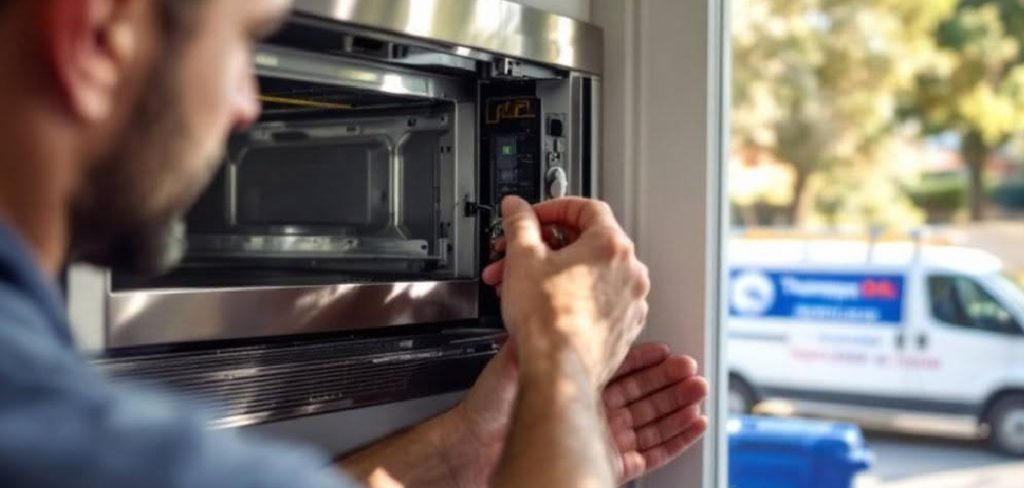
Often, the fix is much simpler and cheaper than you might think. With a little patience and the right tools, DIY enthusiasts can troubleshoot and resolve this issue right at home.
In this guide, we will walk you through exactly how to diagnose the problem. Let us get your kitchen back in working order.
Safety Warnings: Read This Before You Begin
We need to talk about safety first. Microwave ovens are unique appliances. They store massive amounts of electricity, even when unplugged.
Inside your microwave is a high-voltage capacitor. This part can hold a lethal electrical charge long after you remove the power cord from the wall. You must discharge this capacitor before touching any internal parts.
Never open a microwave casing if you feel unsure about handling electrical components. Always wear rubber-insulated gloves. Keep your workspace completely dry.
If you feel nervous at any point, stop immediately. Your safety is worth far more than the cost of a new appliance.
What Causes This Problem?
When figuring out how to repair a microwave that is not heating, you must first understand the culprit. Several parts work together to generate heat.
If just one of these components fails, your food stays cold. Here are the most common reasons your appliance has stopped doing its job:
- A burnt-out high-voltage diode: This part helps power the magnetron. If it fails, no heat is produced.
- A faulty magnetron: This is the heart of the microwave. It creates the actual microwaves that cook your food.
- A broken door switch: Microwaves have safety switches. If one breaks, the unit might run but refuse to heat.
- A defective high-voltage capacitor: This stores electricity. When it breaks, the heating circuit fails entirely.
- A blown thermal fuse: This protects the microwave from overheating. If it blows, the heating stops to prevent fires.
Tools & Materials Needed
Before you crack open your appliance, gather your supplies. Having everything within reach makes the job much smoother.
You will not need a massive tool chest for this project. Just a few basic diagnostic tools will do the trick.
- Digital Multimeter: This is essential for testing parts for continuity and electrical resistance.
- Insulated Screwdrivers: You will need both Phillips and flathead styles to remove the outer casing.
- Needle-nose Pliers: Use these with insulated handles to safely disconnect tight wire harnesses.
- Work Gloves: Thick, rubber-insulated gloves protect your hands from sharp metal edges and leftover charges.
- A Small Container: Keep your screws organized so you can easily reassemble the unit later.
Step-by-Step Fix Guide
Ready to get your hands dirty? Let us dive into the actual repair process.
Follow these steps carefully. Take your time, and do not rush. Take photos with your phone as you disconnect wires.
This will make putting everything back together a breeze.
Step 1: Unplug and Discharge the Capacitor
This is the most critical step in learning how to repair a microwave that is not heating safely. First, unplug the microwave from the wall outlet.
Next, remove the cabinet screws on the back and sides. Slide the metal casing off carefully. Locate the high-voltage capacitor.
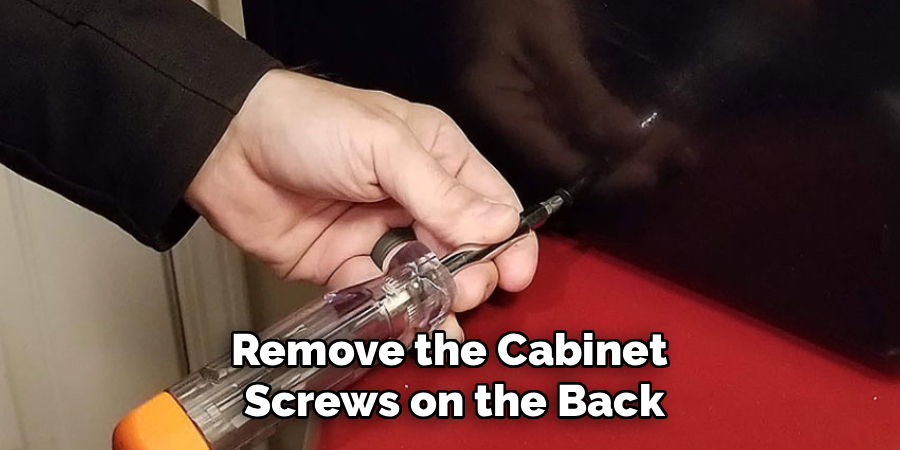
It looks like a small metal cylinder with two prongs. Put on your insulated gloves. Take an insulated flathead screwdriver.
Touch the metal blade across both terminals of the capacitor at the same time. You might hear a loud pop or see a spark. This means the dangerous stored energy is now safely discharged.
Step 2: Inspect the Door Switches
Door switches are common culprits when your unit turns on but stays cold. Look near the door latch mechanism inside the cabinet.
You will usually find three small microswitches. They make sure the door is firmly closed before allowing the magnetron to fire.
Remove the wires from the first switch. Set your multimeter to the continuity setting (the one that beeps).
Place the probes on the switch terminals. Press the switch button. If your multimeter does not beep, the switch is bad and needs replacing.
Test all three switches this way. They are very cheap to replace.
Step 3: Test the High-Voltage Diode
If the switches are fine, move on to the diode. The high-voltage diode connects the capacitor to the magnetron.
It acts as a one-way street for electricity. If it burns out, the magnetron receives no power.
Locate the diode. It is a small, usually black component with wires on both ends. It connects directly to the capacitor you discharged earlier.
Remove the diode from the circuit. To test it, you need a multimeter powered by a 9-volt battery. A standard continuity test will not work here.
Check the resistance in one direction, then reverse the probes. It should show low resistance one way and high resistance the other. If it shows high or low in both directions, it is dead.
Step 4: Check the Magnetron
The magnetron is the main engine of your microwave. It is a large, heavy metal box usually located on the side of the unit.
If the magnetron goes bad, it cannot be repaired. It must be completely replaced.
Disconnect the two wires attached to the magnetron terminals. Set your multimeter to the lowest Ohms setting.
Touch the probes to the two terminals. You should see a reading between two and three Ohms. Now, touch one probe to a terminal and the other to the metal casing of the magnetron.
If the multimeter shows any reading other than “open circuit” or “infinity,” the magnetron is shorted out and broken.
Step 5: Test the Thermal Fuse
Your microwave has one or more thermal fuses. They prevent the appliance from catching fire if it gets too hot.
You can usually find the thermal fuse on the side of the heating chamber. It looks like a small cylinder with two wires attached.
Pull the wires off the fuse. Set your multimeter to continuity.
Touch the probes to the two terminals on the fuse. If the multimeter beeps, the fuse is good.
If there is no beep, the fuse has blown. You will need to order an exact replacement part.
When to Call a Professional
DIY repairs are incredibly rewarding. They save money and build your confidence as a homeowner.
However, there is no shame in knowing your limits. Microwaves are complex and potentially dangerous machines.
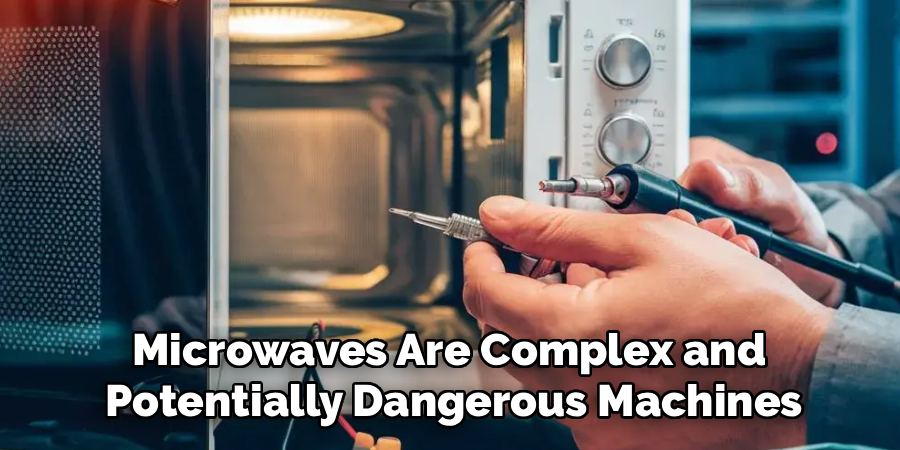
If you have discharged the capacitor and tested the basic parts but still cannot find the issue, stop. Do not start blindly pulling apart delicate wiring harnesses.
Call a professional if the control board looks burnt or if you feel uneasy handling the high-voltage side of the appliance. A trained technician can pinpoint obscure electrical faults safely.
Cost Estimate: DIY vs. Professional Repair
Is it worth fixing? That is the big question.
If you are replacing a door switch, a diode, or a thermal fuse yourself, expect to spend between $10 and $25. This is incredibly affordable.
Replacing a magnetron yourself usually costs between $50 and $100 for the part.
If you hire a professional, you are paying for labor. A professional repair generally costs between $150 and $250.
If your microwave is a cheap, $100 countertop model, paying a pro does not make sense. However, if you own an expensive over-the-range model, a $150 professional repair is absolutely worth it.
Frequently Asked Questions
When learning how to repair a microwave that is not heating, you might have a few lingering questions. Here are the most common ones.
Is it worth fixing a microwave that will not heat?
Yes, especially if the fix involves cheap parts like a diode or door switch. High-end built-in microwaves are almost always worth repairing over replacing.
Can a blown fuse cause a microwave to run but not heat?
Absolutely. The main power fuse will kill all power, but a thermal fuse can stop the heating mechanism while leaving the lights and turntable running.
How do I know if my magnetron is bad?
A bad magnetron often makes a loud humming or buzzing noise before it dies. You can confirm it is bad by testing it for continuity with a multimeter.
Why is my microwave running but the food stays cold?
The most common reasons are a burnt high-voltage diode, a faulty door switch, or a dead magnetron. The unit spins and lights up, but the cooking components receive no power.
Do I really need to discharge the capacitor?
Yes. This is not optional. A high-voltage capacitor can hold thousands of volts and deliver a fatal shock even when the microwave is unplugged.
Conclusion: Mastering How to Repair a Microwave That is Not Heating
Fixing a broken appliance can feel intimidating at first glance. But as you have seen, understanding how to repair a microwave that is not heating comes down to checking a few basic components.
By testing the door switches, the diode, and the magnetron, you can usually track down the problem in less than an hour. Always prioritize safety, discharge that capacitor, and work methodically.
You do not have to settle for cold dinners or rush out to buy a new appliance. You have the power to fix it yourself.
Ready to tackle more home fixes? Browse our tool guides and start building your ultimate DIY repair kit today!